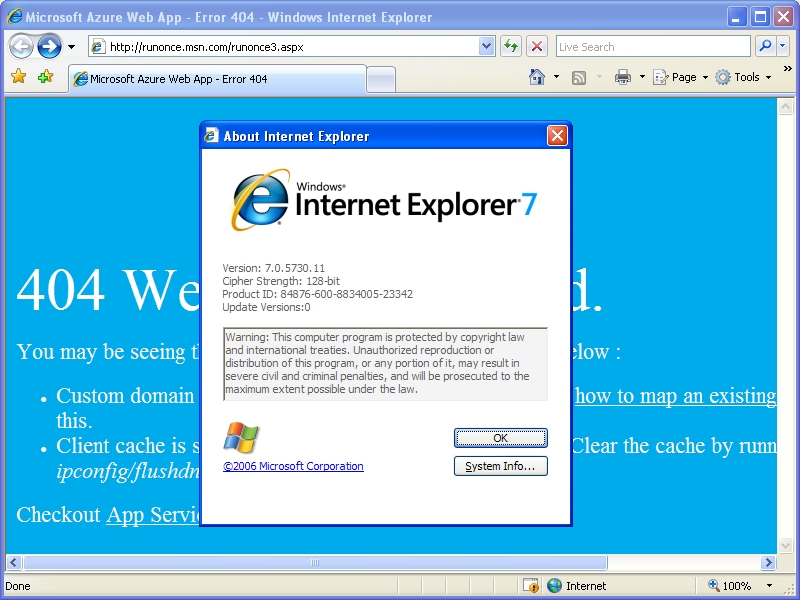
The problem
If you, for whatever reason (I’m not judging!), are trying to install the original Internet Explorer 7 on top of Windows XP SP3, you’ll most likely see an error: Internet Explorer installation did not complete.
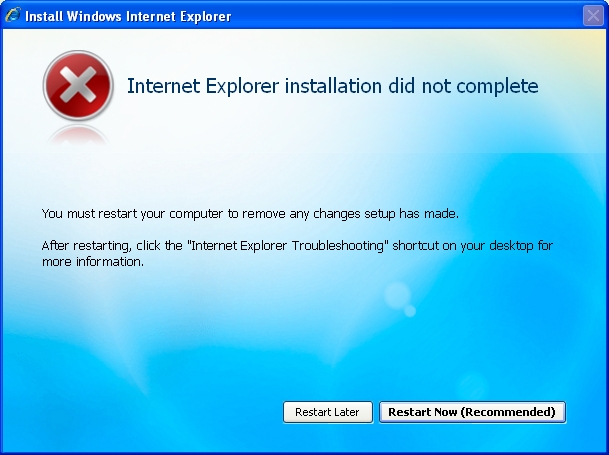
This doesn’t say much, but we can dig deeper…
If we analyze the installation log file (located at C:\WINDOWS\ie7_main.log), we can see the problem:
01:03.571: ERROR: |Inst. Pre-Progs. >>> xmllitesetup.exe installation completed with errors, exitresult=0x00000000, exitcode=0x0000f0f1
This happens because the installer tries to install xmllite, which comes already preinstalled with Windows XP SP3. The installer doesn’t expect that, panics and throws an error.
The solution
This is super easy to fix:
- Navigate to
C:\WINDOWS\system32. - Find
xmllite.dlland rename it toxmllite.dll.bak. - Start the Internet Explorer 7 installer again and proceed with the normal installation.
Et voilà, you now can enjoy your beloved Internet Explorer 7!